GA4 and conversion tracking
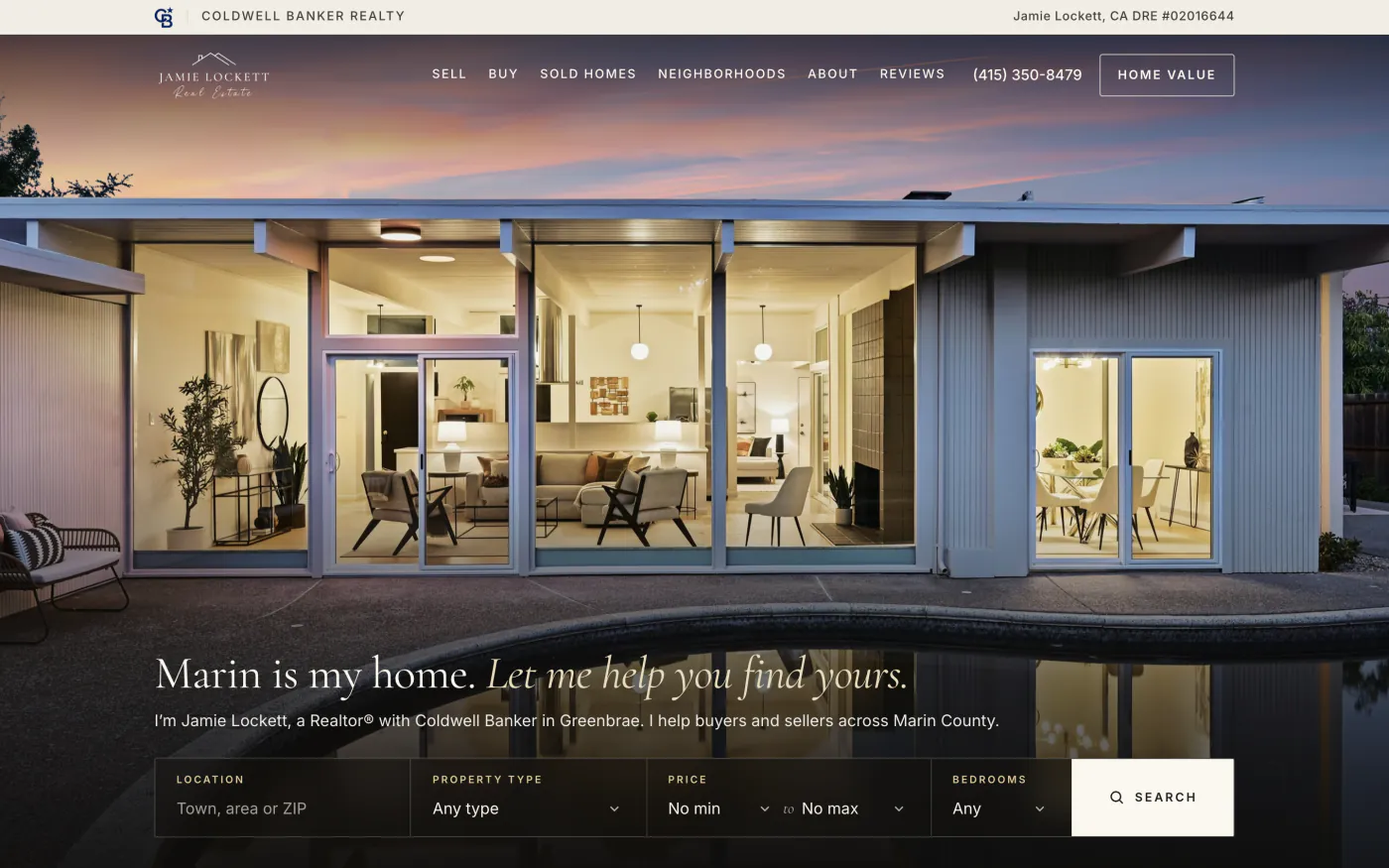
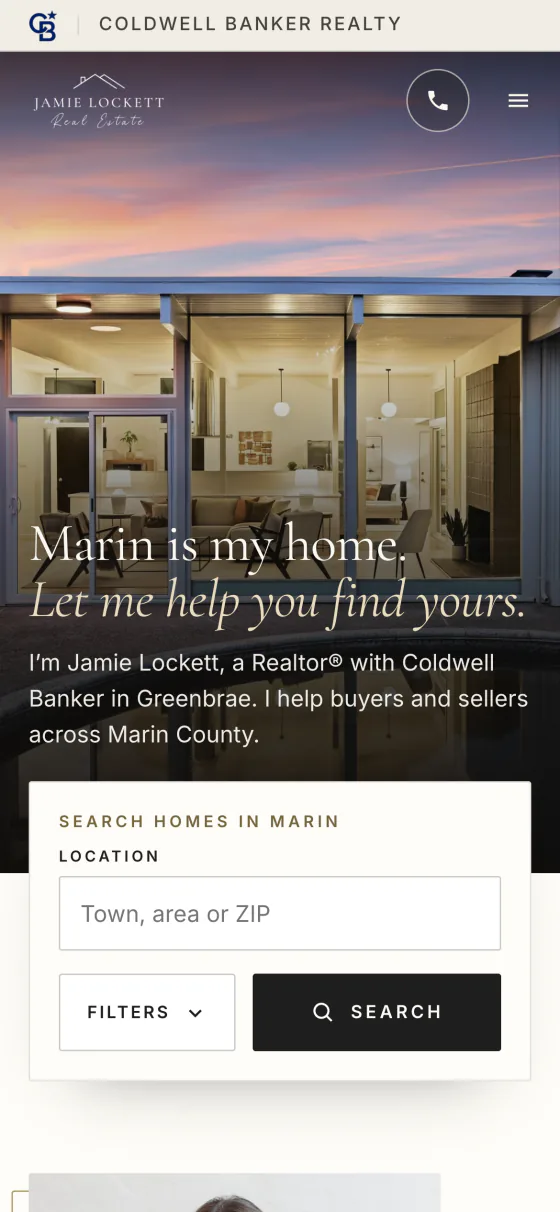
A recent build for Jamie Lockett, a real estate agent. See the project
- Cadence
- One-time
- ongoing review optional
- Timeline
- 1 to 2 weeks
- dashboard live within week one
- Engagement
- You own every account
- GA4, GTM, Looker Studio, all yours
Most small business sites have Google Analytics "installed," firing pageviews into a dashboard nobody reads. That is not analytics, that is decoration. Real measurement ties every form submission, phone click, and purchase back to the source that produced it: which ad, which keyword, which page, which campaign. Then it lives in a Looker Studio dashboard you actually open on Monday morning instead of a PDF you have to ask for.
Tampa, Florida · Remote builds in any US state
The problem
Pageviews are not revenue.
You can spend $5,000/month on ads, $2,000/month on SEO, and an unknown amount on social and still have no answer to the only question that matters: which channel closed deals last month? Without conversion tracking, source attribution, and a CRM link, "marketing" becomes a black box where every channel claims credit and none of them can prove it.
The fix is plumbing, not philosophy. Every interaction that maps to revenue (form submit, phone click, booking, purchase) becomes a conversion event. UTM parameters get standardized so the source survives. The CRM gets webhooks so closed deals tie back to the original click. Then the Looker Studio dashboard reads "X leads from Google Ads, Y from organic search, Z from referral, with closed-revenue numbers under each." That is what you decide budget against.
My approach
Measure what closes deals. Ignore the rest.
I do not chase "engagement metrics." Time-on-page, bounce rate, scroll depth are interesting, but they do not pay the bills. The events that matter are the ones that map to a downstream business outcome: a form completed, a call placed, a quote requested, a booking confirmed, a purchase made.
Every build starts with one question: what does a closed customer look like in your data? Then we work backwards. The form submit becomes a conversion event. The form fields capture the lead source. The CRM webhook captures the deal value. The dashboard shows revenue-per-channel. That is the loop. Everything else is noise.
What's included
Every build ships the same stack.
- 01Full GA4 + Google Tag Manager installation, configured to your business model
- 02Conversion event taxonomy: form submits, calls, purchases, downloads, scroll depth
- 03Lead source attribution that survives cross-device and cross-session
- 04Server-side tagging for iOS 17+ and Safari ITP resilience
- 05Looker Studio dashboard, your URL, no waiting for monthly PDFs
- 06GA4 + GSC + Google Ads + CRM joined in one revenue view
- 07Custom audiences exported back to Google Ads + Meta
- 08Monthly review with takeaways: what worked, what to change
- 09You own GA4, GTM, Looker Studio, and every dataset at engagement start
One-time build · Monthly review optional · All accounts in your name at engagement start.
Process
Five steps from broken to revenue-mapped.
The dashboard goes live in week one. Depth gets added across week two.
You always know what is being measured and how to read each event.
- Audit + gap report
I review your current tracking (GA4 tags, conversion events, CRM hooks, ad pixels) and produce a gap report listing every metric that should be measured but is not, ranked by revenue impact.
- GA4 + GTM rebuild
Tags rebuilt from a clean container, conversion events defined to match your sales process, e-commerce setup if applicable. Server-side tagging for the platforms where it matters most.
- Attribution + CRM link
UTM parameters standardized, lead source captured on every form submission, CRM hooks wired so closed deals tie back to the original click. Looker Studio dashboard published.
- Audience export + ad sync
High-intent audiences exported back to Google Ads + Meta + LinkedIn for re-engagement. Lookalike seeds defined for prospecting campaigns.
- Monthly review
I read the dashboard with you each month: what is converting, what is not, where the next CRO test or content push should land. No metric soup.
Proof
A finished setup at week 2.
From "Google says we got traffic" to revenue-per-channel.
What a finished setup looks like at week 2: GA4 tagged, GTM container clean, 6 conversion events firing (form submit, call click, booking request, directions click, hours-page view, contact-form abandonment), UTMs standardized across all ad campaigns, HubSpot webhook tying closed deals back to the original lead source. The Looker Studio dashboard shows lead volume by channel, cost per lead, and revenue per closed customer.
For a deep dive on what to actually measure, read the 5 analytics events every small business site needs to track. For documented engagements with the measurement methodology spelled out, see the case studies page.
This same attribution is what makes the rest of the marketing accountable. When you pair it with search engine optimization and Google Ads management, every organic ranking and every paid click reports its own closed-revenue number instead of hiding inside a vanity traffic total.
See a dashboard sampleGoogle review ★★★★★
"They have also supported us with analytics setup and ongoing technical work, which has been very helpful for keeping the site functional and understanding its performance."
Q&A
Common analytics questions, answered straight.
I already have Google Analytics installed. Do I need this?
Probably yes. Many GA4 setups fire pageviews and nothing else. No conversion events, no source attribution, no e-commerce parameters, no CRM link. You get a graph of traffic but no answer to the question that matters: which channels closed deals. An hour-long audit will tell you whether your current setup is actually producing decision-useful data or just noise.
What is the difference between GA4 and Universal Analytics?
Universal Analytics (the old "UA" system) was sunset by Google in July 2023. GA4 is event-based instead of session-based, which means every interaction (click, scroll, video play, form submit) can become a conversion event. It is more powerful but also less forgiving. If it is not configured correctly, you get worse data than UA gave you. Most of my work is on GA4 builds that were never properly configured during the forced migration.
What is server-side tagging and do I need it?
Browser-side tags (the default) get blocked by ad blockers, iOS 17+ link tracking protection, and Safari's ITP. Server-side tagging routes the same data through your own domain so the tracking survives. If most of your traffic is iOS or you advertise to privacy-conscious audiences, server-side matters a lot. If most of your customers browse on Android, it matters less. I scope it per project.
Can you connect this to my CRM?
Yes: HubSpot, Pipedrive, GoHighLevel, Salesforce, custom builds. The goal is closed-loop attribution: when a deal closes in the CRM, that revenue ties back to the original ad click, organic search query, or content asset. That data shape is what lets you decide which channels actually deserve more budget.
How long does the full setup take?
Typical builds ship in 1-2 weeks. Faster if you have a small site with one conversion type, longer if you are running e-commerce with 50 SKUs across 3 sales channels. The dashboard is usually live within the first week regardless. We iterate on the depth of the events after.
Do you do reporting only, or also strategy?
Both, scoped to fit. The default monthly engagement includes a live review where I read the numbers with you and recommend the next move (CRO test, content push, ad budget shift, etc.). If you just want the dashboard and to run it yourself, that is a one-time build with no recurring fee.
What happens to my data if we stop working together?
Nothing. Every account (GA4, GTM, Looker Studio, BigQuery if we used it) is in your name from day one. I can hand it off to another developer or your in-house team and you keep every event, every dashboard, every audience. No agency lock-in, no vendor dependence.
Accepting Clients
Find out which channel actually pays you.
Get a free analytics audit. I will review your current GA4 setup, your tracking events, and your CRM hooks, then send you a written gap report of what should be measured but is not.